Pricing
Pay per project. Never per person.
Adding planners, viewers and reporters costs nothing with Plandeck; you pay per day a project is active, in arrears. A project becomes active the moment you first share it, for instance by adding someone to it or turning on a status request. The short version with the calculator is on the homepage. This page holds all the terms and billing rules, so you know where you stand before you start.
The daily rate tiers
The tiers work like a volume discount: each next project falls into its own, lower rate.
| per project, per day | ≈ per project, per month | |
|---|---|---|
| Projects 1 to 5 | €2.50 per day | ± €76 per month |
| Project 6 and up | €1.75 per day | ± €53 per month |
All prices excl. VAT. The daily rate is binding; the monthly amounts are indicative, based on an average month. Your invoice counts the actual days.
The rules behind the meter
- What counts as actively sharing
- Actively sharing means: adding someone to a project (a viewer too), turning on a status request, activating a calendar or Teams/Slack integration for the project, or exposing the project through an API key. From that moment the project counts on the meter. Planning just for yourself? Then you pay nothing: drafts are free and unlimited, and creating accounts for colleagues costs nothing either, as long as you don't add them to a project.
- Every activation counts for at least 30 days
- If you share a project actively, that activation counts for at least 30 days, even if you pause or archive the project again after a week. For your first project, those days usually fall entirely within your free days, 30 counted days that appear as a discount on your first invoice. The rule prevents a project from being switched on for a day and off again, over and over.
- One-time verification with €0.01
- Signing up asks for no payment details. Only with your first shared project do we verify them once, with a €0.01 charge via iDEAL or credit card, refunded immediately. That establishes your direct debit mandate for the monthly invoices.
- Pausing, resuming and archiving
- A paused project stops counting immediately: status requests, calendar feeds and Teams or Slack notifications stop, but your planners can simply keep working on it. You can resume after at least fourteen days, as often as needed, and resuming does not start a new minimum. Archiving freezes the project: nobody changes anything anymore and nothing goes out, but everything remains readable and exportable, for viewers too. You can always reactivate, which then counts as a new activation. The only exception to the meter stopping: within the first 30 counted days after an activation, the project keeps counting until that minimum is reached.
- Switching between models
- If you start in the project model and paying per planner turns out to be a better fit, you can switch via support, once every twelve months. So you are not locked into anything, and you do not have to make that choice up front.
Everything included
All functionality is included in the daily rate, including the overview across your projects and the deliverables you put on record:
- Portfolio: every project on one timeline
- Utilization and conflict alerts across projects
- An organization-wide resource pool
- A portfolio status with AI summary and PDF
- Reports you can put on record: versions, finalising, the difference with the previous version and a PDF
- The project-wide action overview and the Open actions block in the report
- Read an action board from Microsoft Planner in as actions in one go
- 12 months of activity log
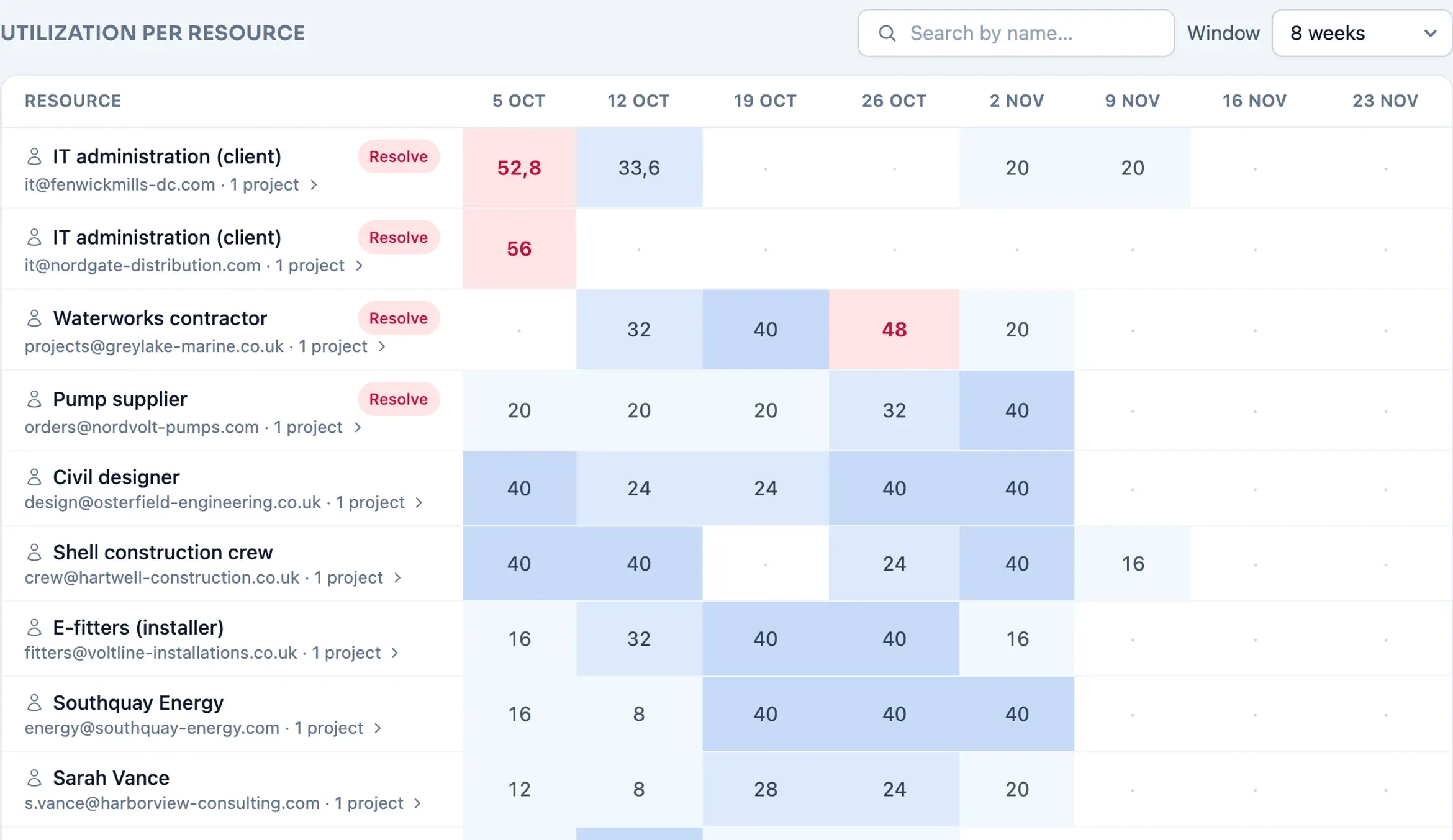
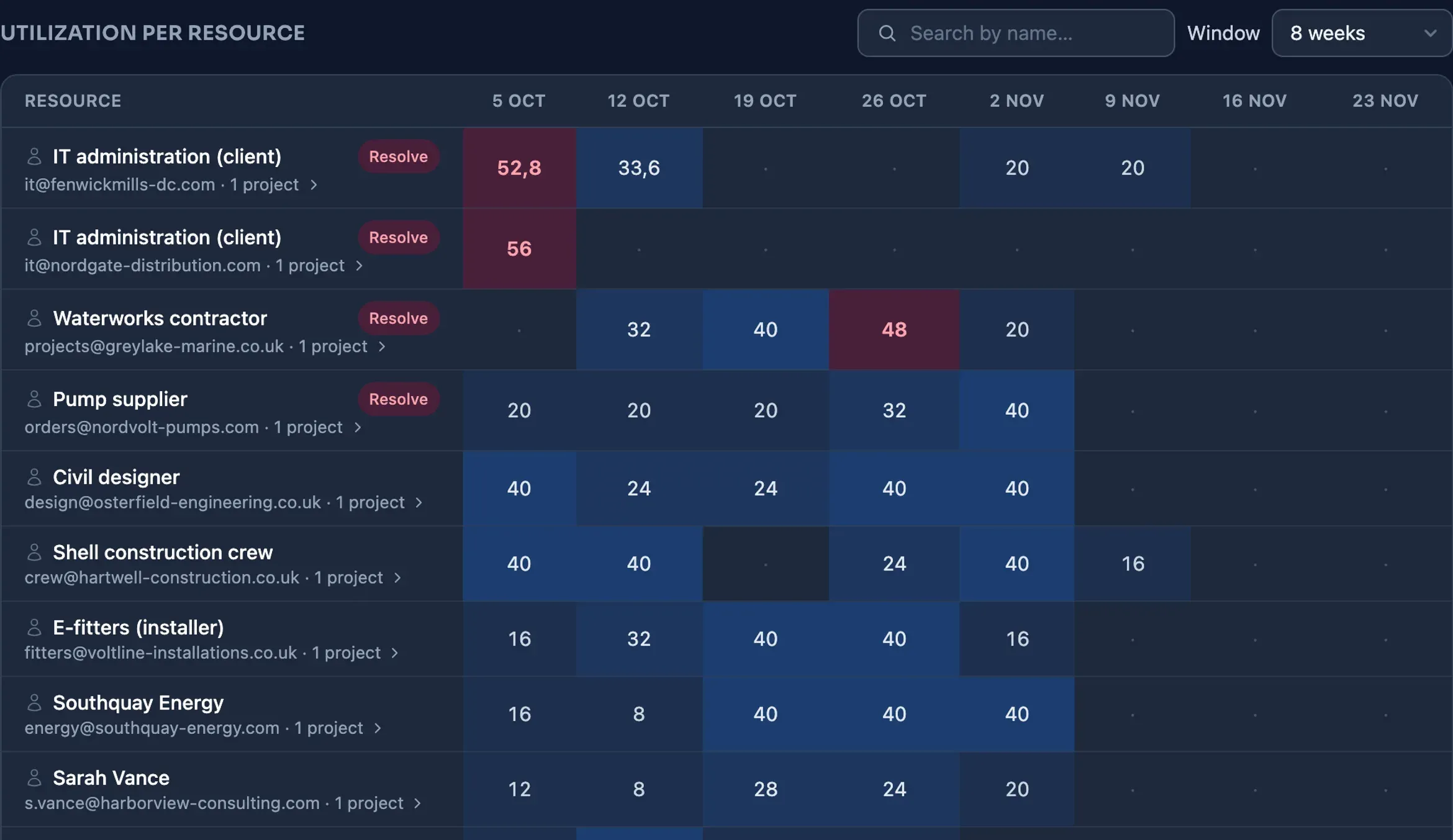
And of course the core: AI, status requests, Status with the status report, the personal action board My actions for everyone with an account, the manual for viewers, Jira, Linear, Teams, Slack, calendar feeds and the API. The same goes for the per-planner rate and the Organization plan. Viewers and reporters are always free.
Lots of short jobs instead of clearly defined projects?
Then paying per planner is a better fit: €249 per planner per month, flat, with the same features and the same free viewers. See the per-planner plan.
Questions about billing
How do I keep the meter from running without me noticing?
You always see the meter live in the app, under Organization in Usage and billing: how many projects are active, how many days have been counted this month and what your expected monthly invoice is at unchanged usage. On top of that, we actively warn you: as soon as your free days are nearly used up, you get a notification in the app and an email. Set a monthly budget with a threshold percentage under Organization as well, and you also receive an email as soon as the monthly amount reaches that threshold; that way the invoice never comes as a surprise. And the monthly invoice itself itemizes every project on its own line: project name, number of counted days and amount. Is something running that no longer needs to count? Pausing or archiving stops the meter immediately.
When is paying per planner cheaper?
With lots of short jobs or ongoing work that cannot be cut into clearly defined projects; think of a service department with dozens of small assignments at the same time. For that there is a flat rate of €249 per planner per month, with the same features and the same free viewers. Not sure? Just start: you are not locked into anything, and you can switch later via support, once every twelve months.
How does payment work?
When you activate your first project, we verify your payment details with a €0.01 charge via iDEAL or credit card (Mollie), refunded immediately. That establishes your direct debit mandate. After that, at the start of every month you receive one invoice for the past calendar month, with its own line per project: name, number of days and amount. That way you can pass project costs straight through to your own project budget. The direct debit runs automatically; for larger amounts we send a payment link so you choose the moment yourself. You receive every invoice by email as a PDF, with VAT itemized, and you can find them all under Organization in Usage and billing.
Don't see your question? Ask it via the contact form.
Starting costs nothing
Signing up asks for no payment details, and creating drafts is free and unlimited. Paying only starts when you actively share a project with others, and your first 30 counted days are free.
Start planning for free