For construction, civil engineering and installation
The job site reports itself
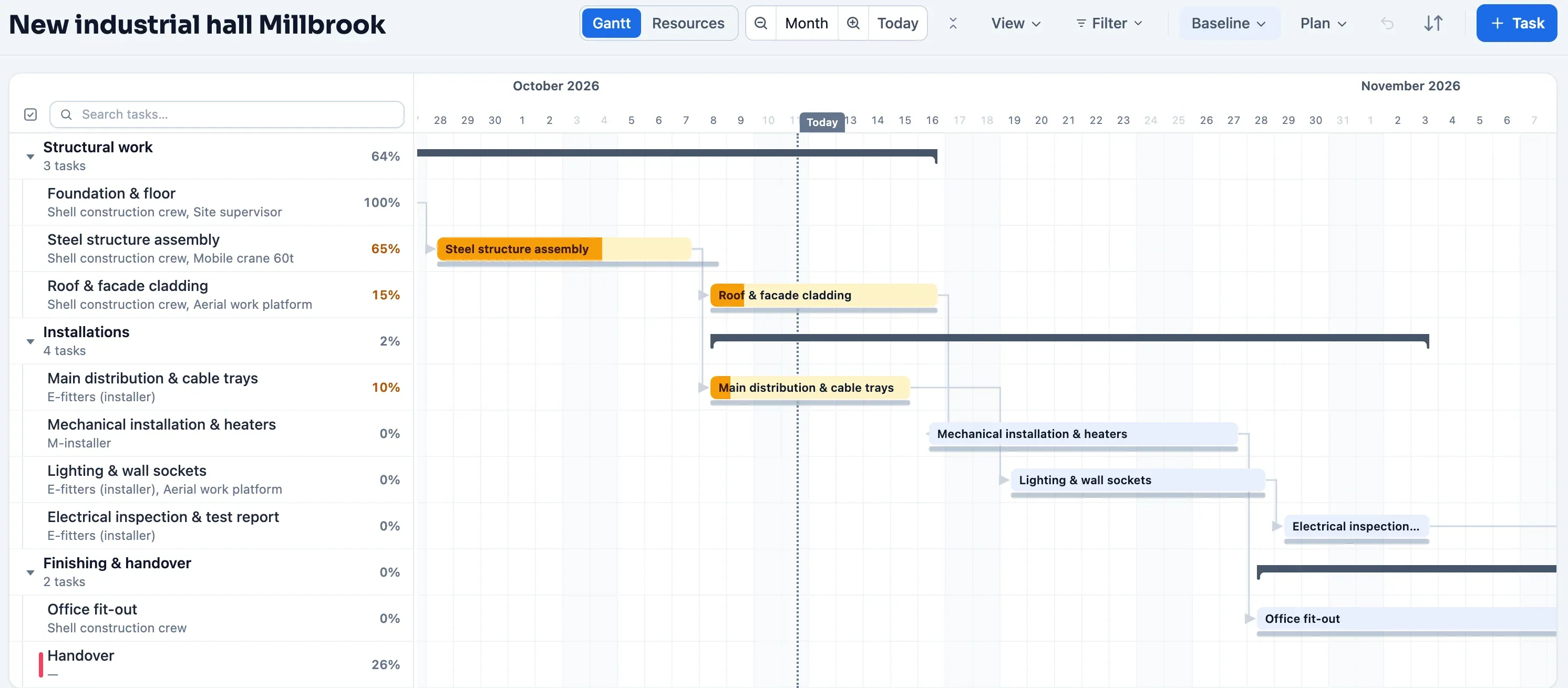
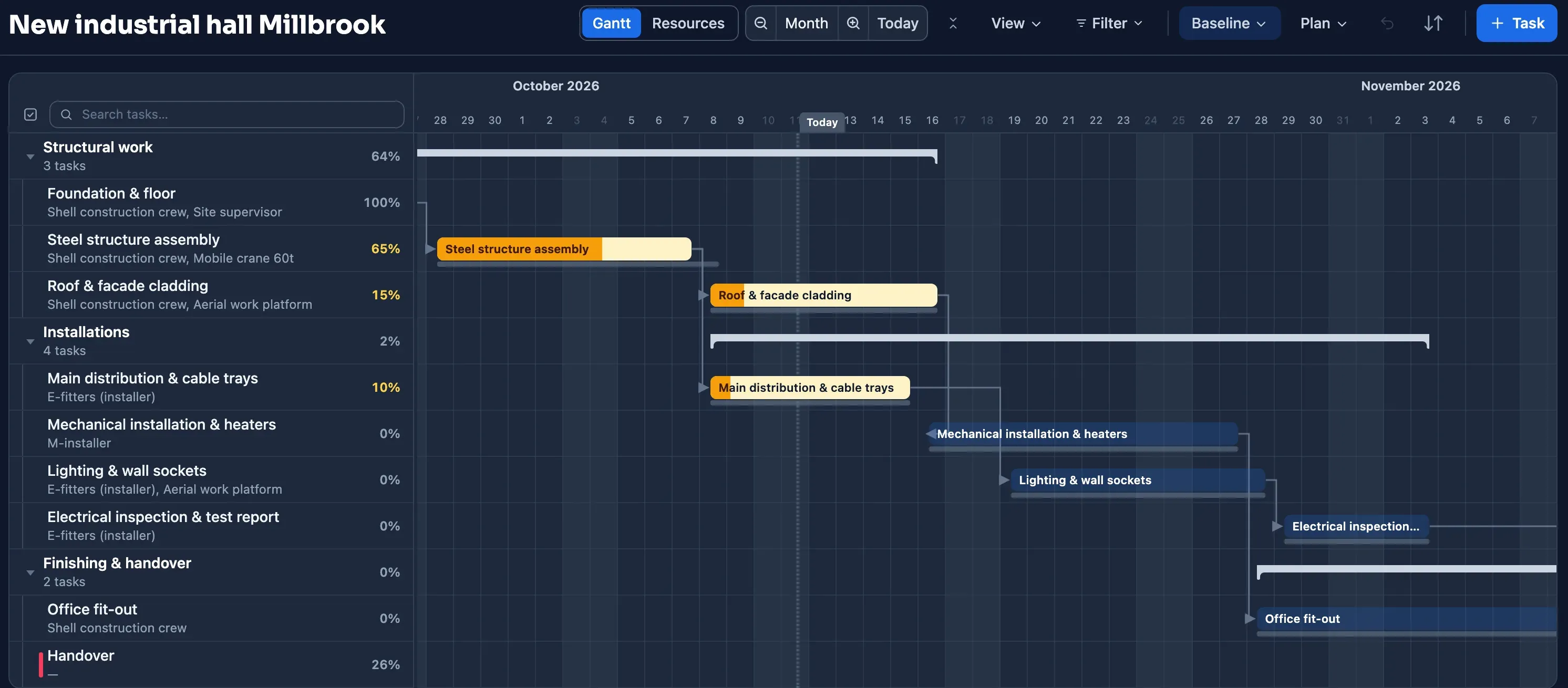
In construction, civil engineering and installation work, progress sits with the crews outside: your own technicians, subcontractors and suppliers who really won't open a planning system every day. Plandeck sends them a periodic email; one click, report progress, done, without an app or password. You see right away what a delay does to your completion date, your people and your equipment, from technician to crane. And if a project is at a standstill because of weather, a permit or a winter shutdown, you pause it and the meter stops.
No payment details · no notice period · export always included · hosted in the EU
Sound familiar?
- your own crews, subcontractors and suppliers who have to report progress without an app or account
- people and equipment, from technician to crane, that you have to divide across projects
- a completion date you have to count back from, with work calendars and public holidays that count along
- delays from weather, lead times or permits that have to show up in the schedule right away
- a winter shutdown or work at a standstill you don't want to keep paying for
Linear work is planned along the alignment
For roads, rail, pipelines, dikes and cables the question is not only when, but also where along the alignment the work happens. Plandeck plans those projects in time and position, with the rhythm and the standstills that come with outdoor work.
Time-distance diagram
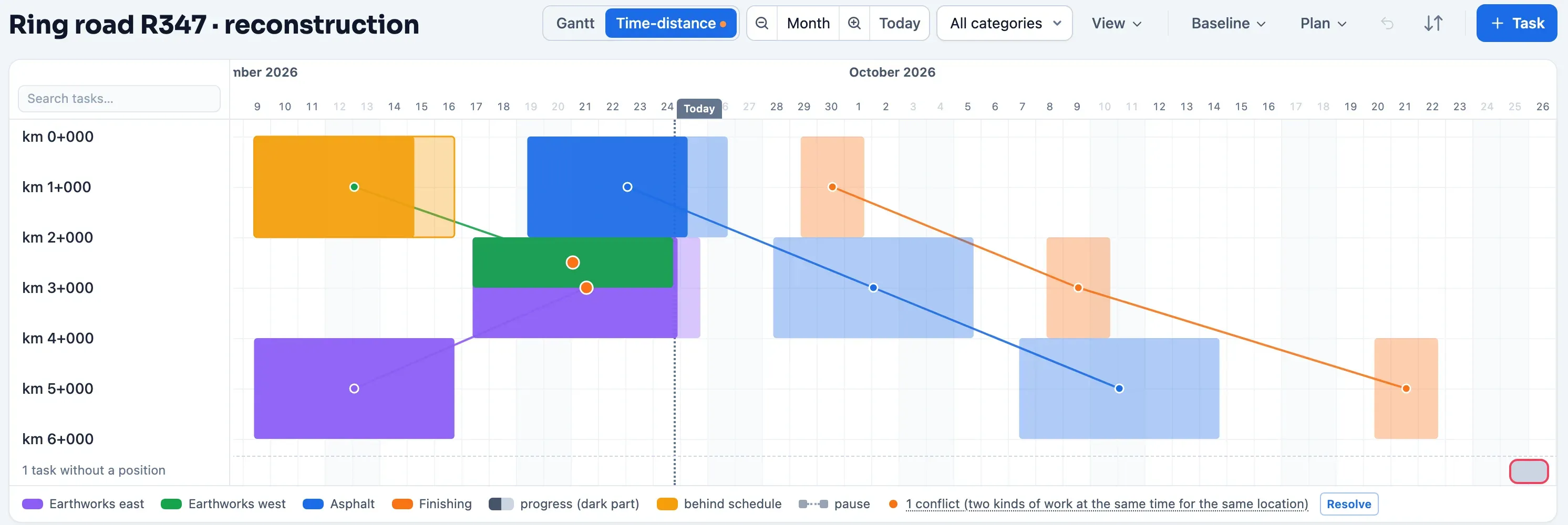
Give tasks a position range in chainage and Plandeck draws the time-distance diagram: time horizontally, position vertically from km 0+000, one line per kind of work along the alignment. Progress shows in the bands, work behind schedule gets a marker, and as soon as two kinds of work overlap on the same section you see the conflict. Export as a one-page PDF.
Takt
If you work in a fixed rhythm, lay a takt grid over the schedule: the takt time in working days, the start of takt 1 and the number of takts. Tasks that don't fit in one takt are flagged; align a selection to the rhythm in a single action.
Site shutdowns and frost delays
If the site stands still while the design team keeps working, create a task calendar: one from-to period, only for the tasks it affects. Auto-shift, rescheduling and resolving take it into account, and a task that moves keeps the same number of working days.
Locations and BIM
Not linear work? Then organize tasks by building section, floor or object, with the same conflict signal per place. Per task you record the IFC object ids from your BIM model as coordination context; they travel along in the CSV and Excel exchange.
Progress that comes in by itself
Plandeck periodically emails the people doing the work for an update: one click on a secure link, slide the progress into place, done. No account, no password, no app. Increases go straight into the schedule; decreases, big jumps and comments land in your review queue first.
What the client and the site supervisor see
The client and the site supervisor follow along for free, live in Status and in the reports you finalise. A note from the foreman in the review, such as a concrete delivery arriving a week late, becomes an action for the buyer or the work planner with one click; it sits on their own board until it is done, without the Gantt changing. In the site meeting, the difference block of the report is on the table: what shifted since last time, in working days, and which actions are still open.
You pay per shared project, not per person
Adding planners, viewers and reporters costs nothing. You pay per day a project is active; a project becomes active as soon as you share it, and every next active project falls into a lower tier.
- Projects 1 to 5: €2.50 per day, ± €76 per month
- Project 6 and up: €1.75 per day, ± €53 per month
All prices excl. VAT; your first 30 counted days are free. The calculator is on the homepage, the rules on the pricing page.
Want to see where your end date really is?
Import your current schedule or let the AI draft one, and see the critical path of your project within ten minutes. Planning is free and requires no payment details.
Build your first scheduleNo payment details · no notice period · export always included · hosted in the EU