For IT and ERP implementations
Your key users never log in
In an ERP or software implementation, progress sits with people who are not on your payroll: key users at the client, the data vendor, the party building the integration. They get no account in your planning system, so you only hear in the steering committee that the data migration has stalled. Plandeck asks those people for an update itself, with one click in their email, and calculates the impact on your go-live date. And the development work itself doesn't need retyping: link the Linear project read-only, and the issues, teams and cycles are in your schedule, with every status change coming back to you as a proposal.
No payment details · no notice period · export always included · hosted in the EU
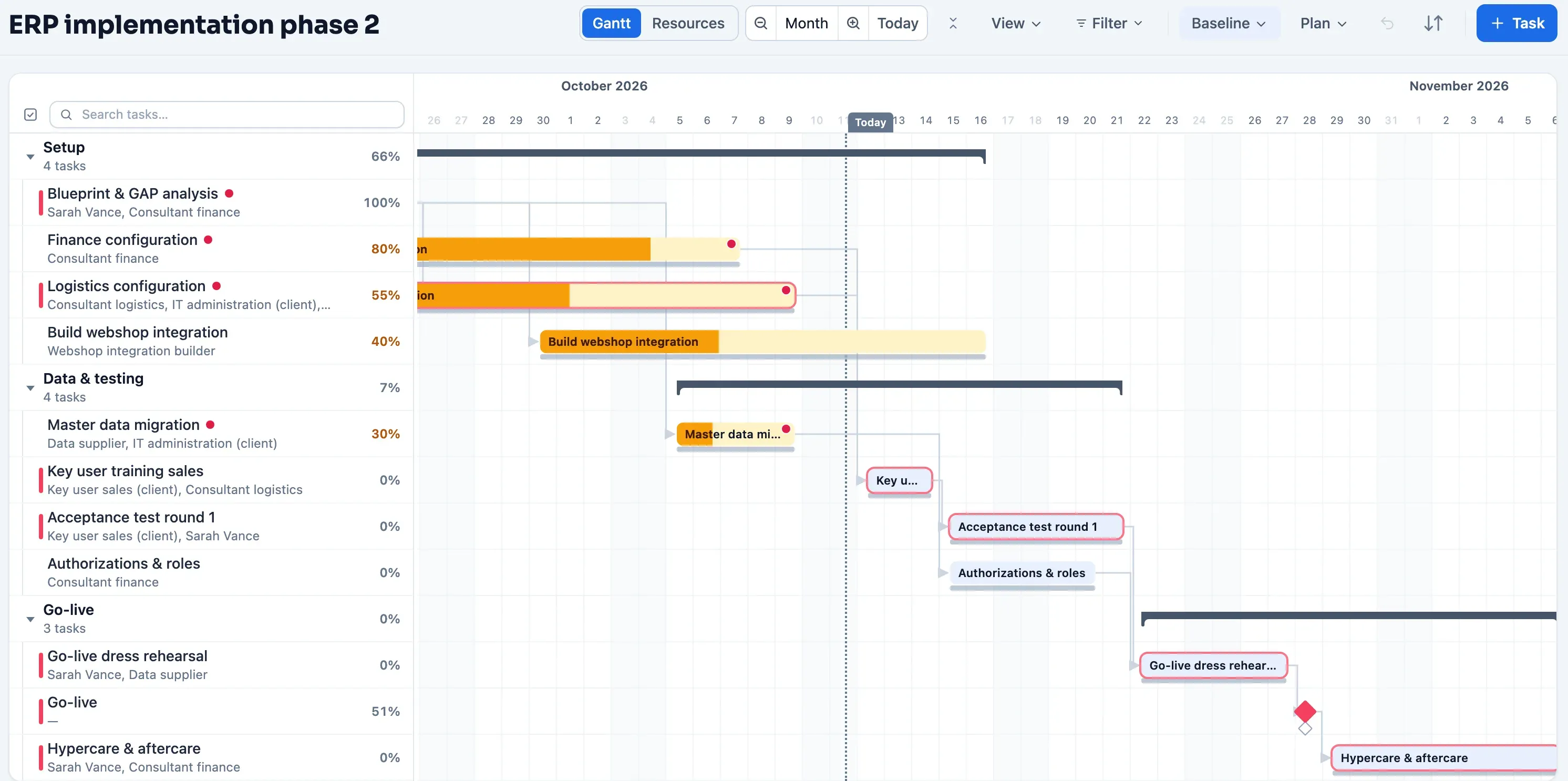
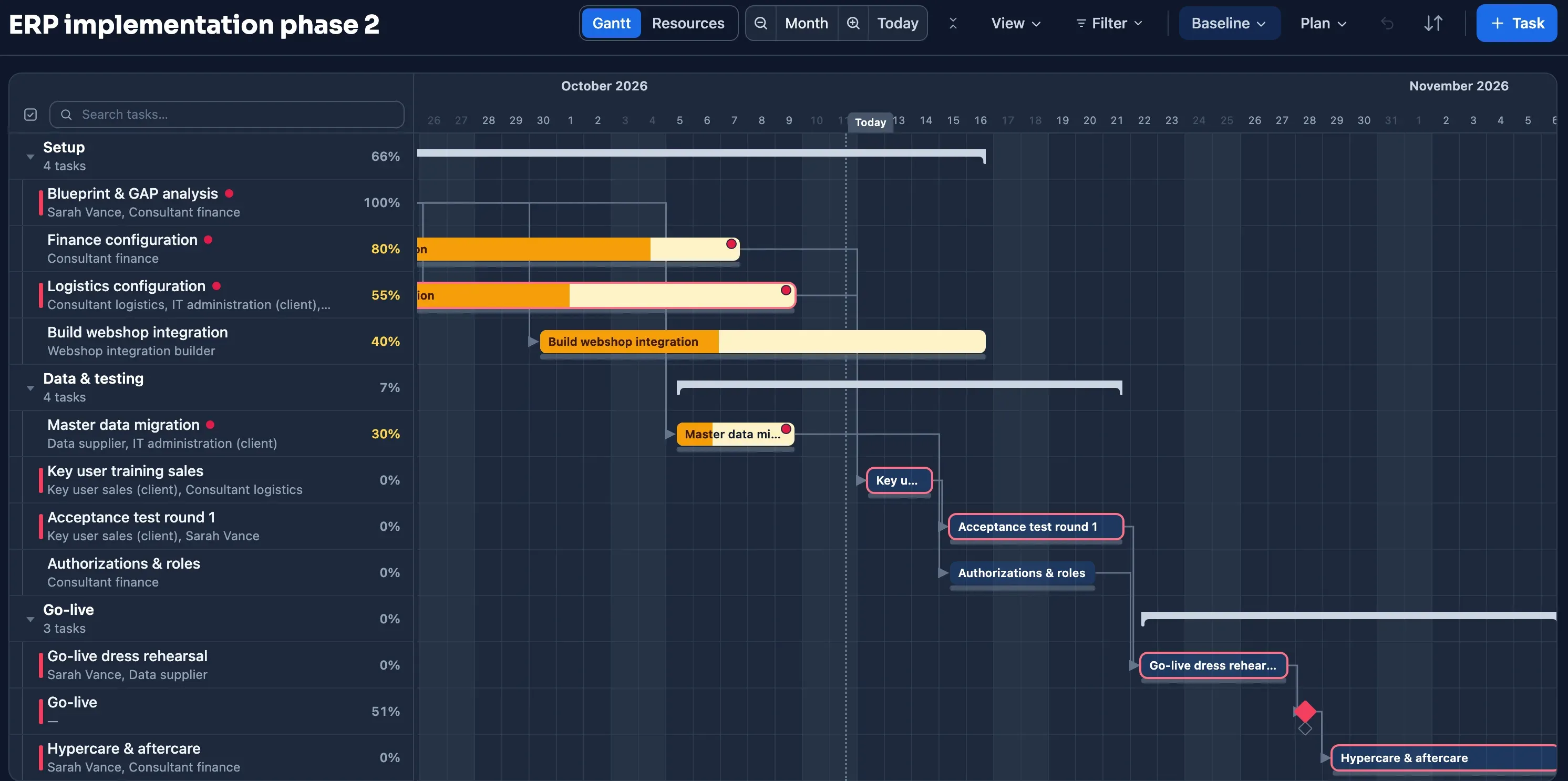
Sound familiar?
- key users at the client who will never open your schedule
- a data vendor or integration partner outside your own organization
- a go-live date that everything counts back from
- progress that only surfaces in the steering committee
- a development team that works in Linear and never updates your schedule
Agile and waterfall in one schedule
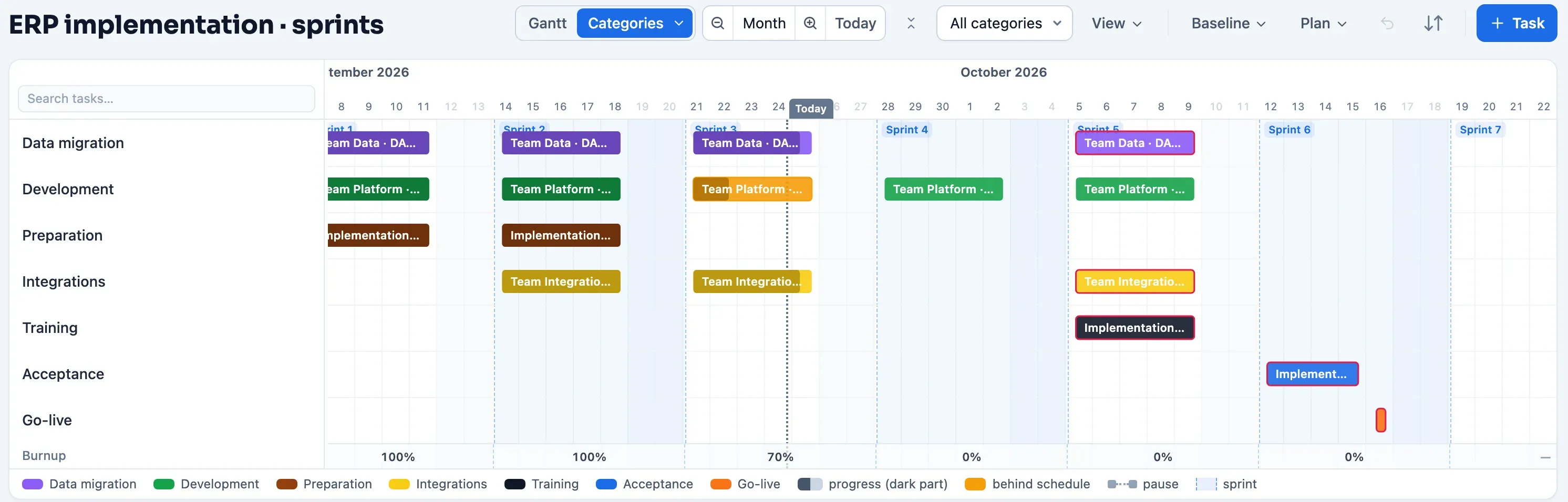
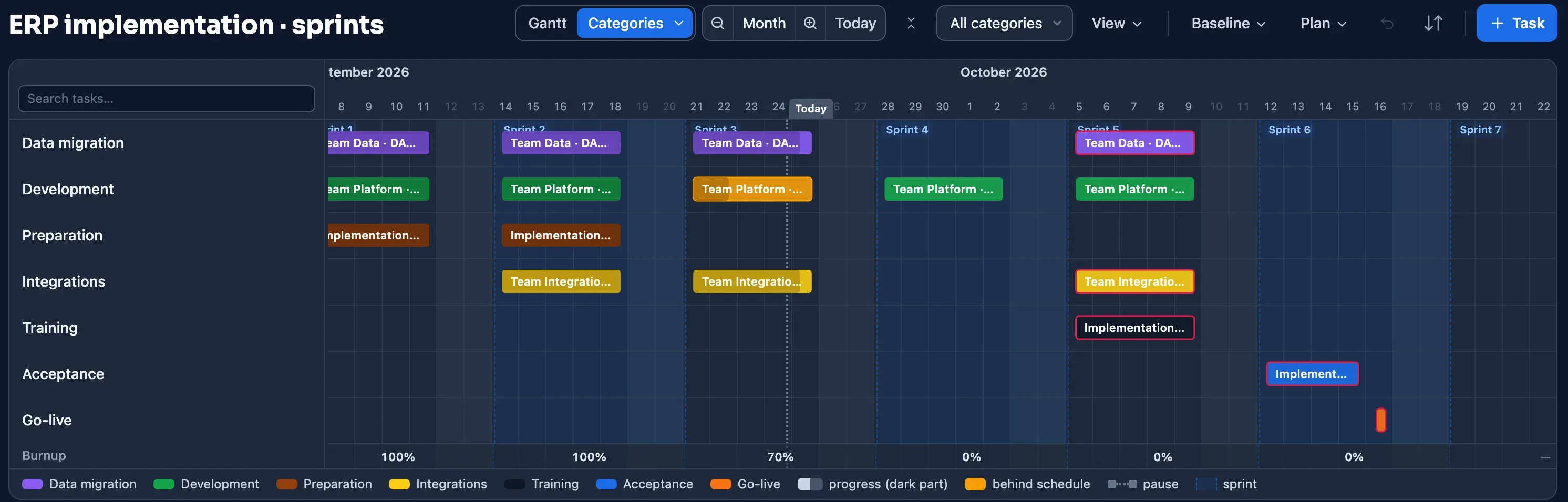
The development team plans in sprints, the rest of the implementation doesn't: data migration, key user training, the integration partner, the go-live. Plandeck puts both side by side and calculates them together.
The Linear project, read-only, in your schedule
Issues become tasks, sub-issues a group, teams land on the team dimension and cycles on the sprint grid. Linear stays the source for the work; Plandeck never writes back.
Changes as proposals
When a developer sets an issue to Done or moves it to another cycle, that arrives as a proposal in your review, with the effect on the go-live date up front. You decide.
Dependencies across teams
Blocked-by relations become dependencies, also between teams and with work outside Linear. So you see which sprint work really determines your go-live, something Linear itself doesn't calculate.
Progress that comes in by itself
Plandeck periodically emails the people doing the work for an update: one click on a secure link, slide the progress into place, done. No account, no password, no app. Increases go straight into the schedule; decreases, big jumps and comments land in your review queue first.
What your steering group sees
Your steering group and the client follow along as viewers, for free: the schedule, Status with the live picture and the finalised progress reports, each version with the difference from the previous one. A bottleneck from the review becomes an action for the key user or the supplier with one click; they accept it on their own board, and the report shows what is still open. If the project team worked in Microsoft Planner until now, you read that board in as actions in one go, without changing the schedule.
You pay per shared project, not per person
Adding planners, viewers and reporters costs nothing. You pay per day a project is active; a project becomes active as soon as you share it, and every next active project falls into a lower tier.
- Projects 1 to 5: €2.50 per day, ± €76 per month
- Project 6 and up: €1.75 per day, ± €53 per month
All prices excl. VAT; your first 30 counted days are free. The calculator is on the homepage, the rules on the pricing page.
Want to see where your end date really is?
Import your current schedule or let the AI draft one, and see the critical path of your project within ten minutes. Planning is free and requires no payment details.
Build your first scheduleNo payment details · no notice period · export always included · hosted in the EU